
More help:
NWEA Support
Have an idea?
Share it!
Introduction to Reporting
The MAP Reading Fluency with Coach reporting experience
The MAP Reading Fluency with Coach experience includes two sets of reporting:
-
MAP Reading Fluency assessment reporting
-
Coach reporting
Note: Assessment data is only available through MAP Reading Fluency reports and exports, and can’t be found in Coach reports. Practice data is only available in Coach reports, and isn’t available in MAP Reading Fluency. An integrated reporting experience is coming as a future enhancement.
How to access MAP Reading Fluency assessment reporting
-
Log in at start.mapnwea.org.
-
Select MAP Reading Fluency from the main menu.
-
Select Access MAP Reading Fluency.
-
Select Reports from the main menu and choose the report you wish to view.
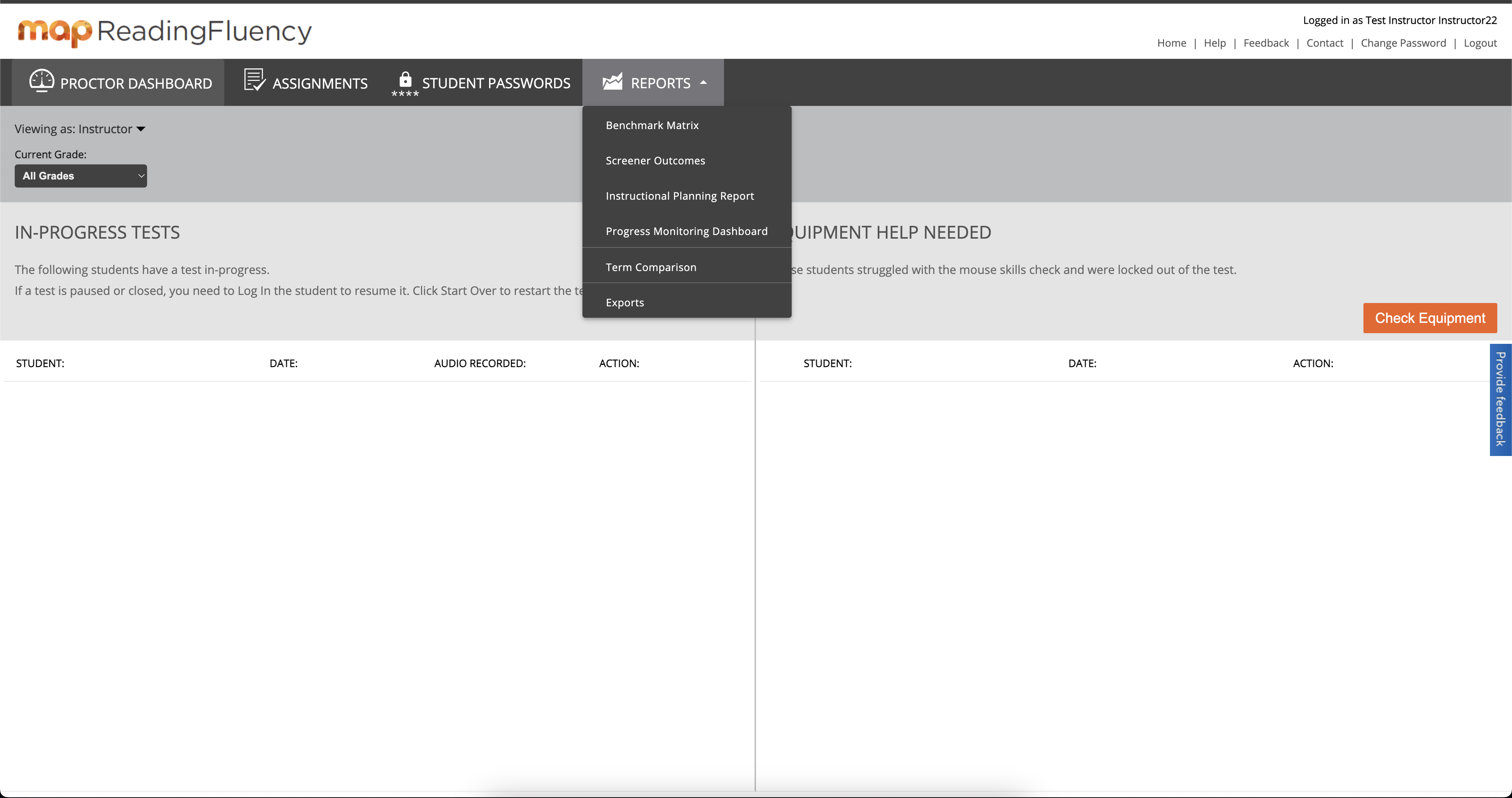
MAP Reading Fluency assessment reports.
How to access Coach reporting
See Educator access.
Coach reports
There are five reports available to educators in Coach:
-
Tracking Report
-
Progress Report
-
Skills Status Report (English)
-
Skills Diagnostic Report (English)
-
Badging Report